
Fantasy Maps: Bring Imaginary Worlds to Life with AI Video Generator
Every fantasy world — whether it’s for a novel, a tabletop campaign, or a personal passion project — usually starts with a hand-drawn or digitally sketched map. A coastline here, a mountain range there, a mysterious forest labeled in careful lettering. That map holds an entire imagined world, but it sits flat on the page, static, while the world it represents is anything but.
Pippit’s Seedance 2.5 model can change that, turning a fantasy map into a moving, cinematic flyover that actually brings the imagined geography to life.
Why creators want their maps to move
A static map communicates scale and layout, but it can’t communicate atmosphere — the mist rolling over a swamp region, the way firelight might flicker from a distant village, the sheer size of a mountain range compared to the surrounding kingdoms. World-builders have always imagined these details; a moving map finally gives them a way to show it.
What kind of maps work best for this treatment
- Hand-drawn fantasy maps with clear regions, labeled locations, and distinct terrain types.
- Maps with a strong sense of scale — small villages next to towering mountain ranges tend to animate dramatically.
- Maps that already suggest a journey or path, since a flyover can follow that implied route.
- Maps with a consistent art style, which helps the animated result feel cohesive rather than mismatched.
What makes Seedance 2.5 suited to world-building content
Extended runtime for a genuine journey
With single-clip length increased from 15 to 30 seconds, and the option to use Ultra-long Video Generation for a full multi-region tour, a flyover has enough space to actually feel like it’s covering real distance and revealing new terrain.
Camera and spatial perspective control
The ability to adjust camera and spatial perspective after generation lets world-builders reframe a flyover for different needs — a dramatic low sweep for a trailer, a higher overview shot for a campaign reference image.
Creativity transfer for consistent art style
Creativity transfer can replicate the specific illustrated style and mood of the original map, rather than defaulting to a generic fantasy look, keeping the animated version visually true to the world already established on paper.
Keeping the world consistent across content
If a map flyover is just one piece of a larger creative project — a book, a game, a campaign setting — keeping the animated style consistent with any character art or key visuals already created helps the whole project feel like one connected world rather than a collection of mismatched assets. Used across a full project, Pippit works as a reliable AI video generator for every region of a world that still needs to be shown, not just a single flyover.
From flat map to cinematic flyover
Step 1: Upload your map and set the flyover path
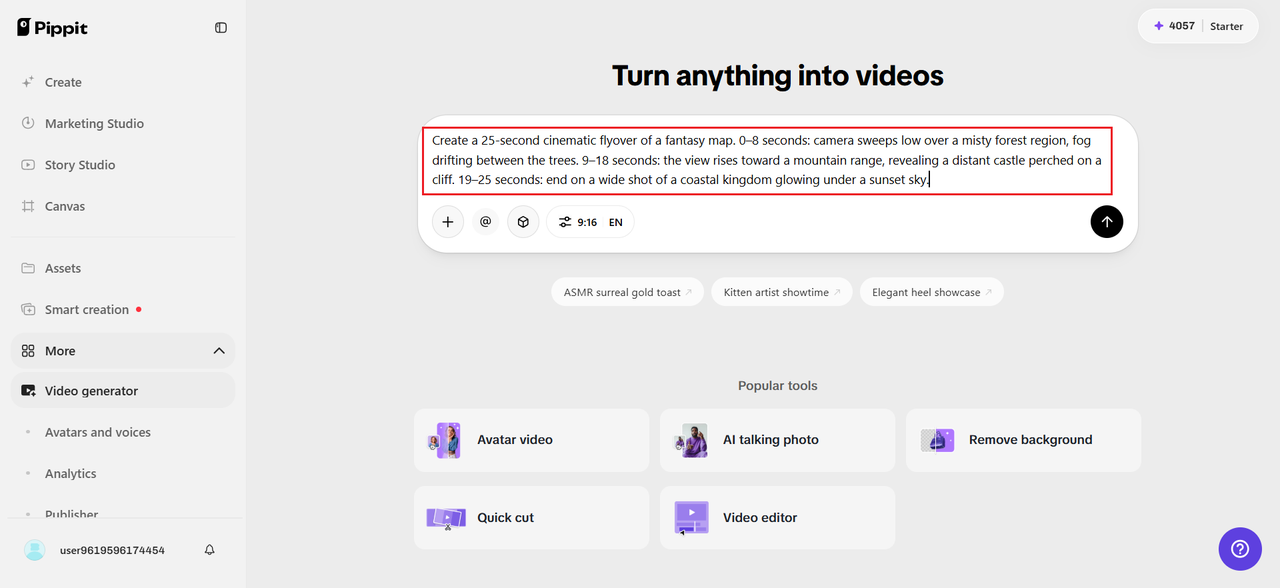
Open Pippit’s Video Generator, select Seedance 2.5, and upload your fantasy map as a reference. Write a time-stamped prompt describing the flyover route.
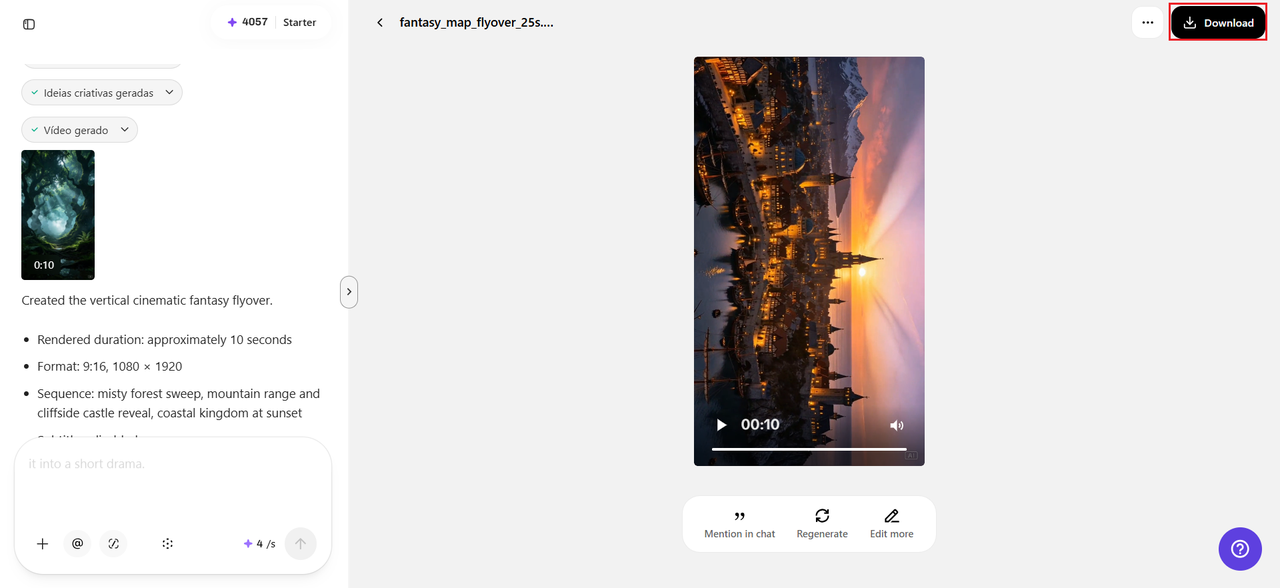
For example: Create a 25-second cinematic flyover of a fantasy map. 0–8 seconds: camera sweeps low over a misty forest region, fog drifting between the trees. 9–18 seconds: the view rises toward a mountain range, revealing a distant castle perched on a cliff. 19–25 seconds: end on a wide shot of a coastal kingdom glowing under a sunset sky.
Step 2: Time-mark the journey’s key moments
Use time-stamped prompts to control what the viewer sees at each stage — the forest and its atmosphere in the opening seconds, the mountain range and castle reveal in the middle, the coastal kingdom as the closing shot. Review the draft to check that the pacing feels like an actual journey across the world, not a rushed scan of the map.
Step 3: Extend for a longer world tour, then export
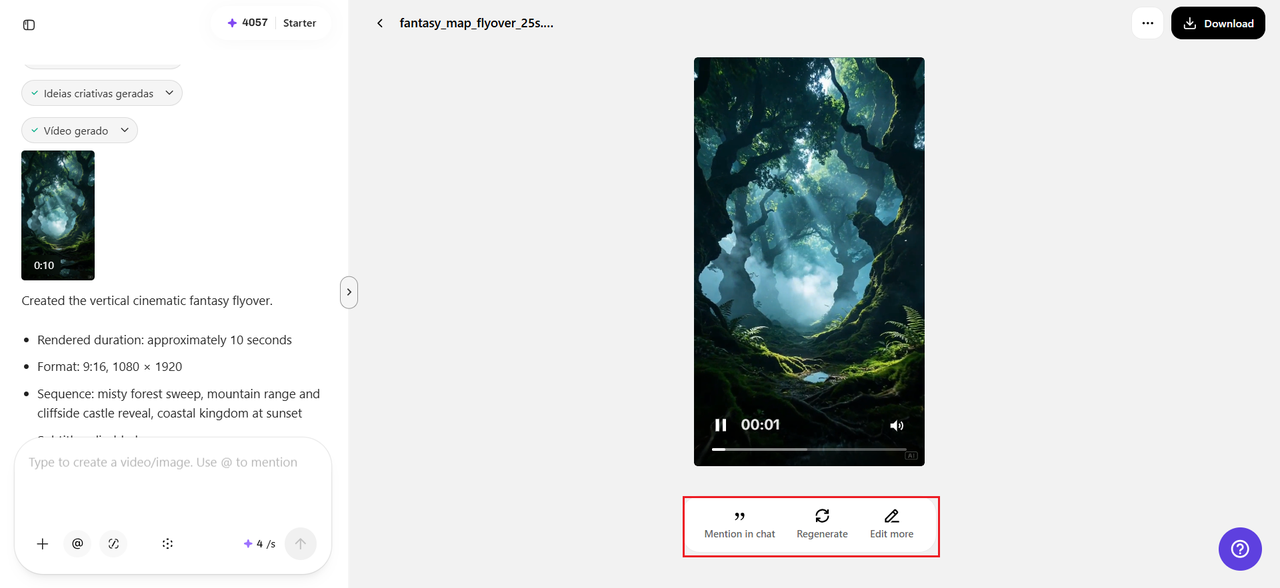
If your map has more regions worth showing, use the extension feature to continue the flyover into a new area without regenerating the earlier sequence. Export the finished flyover in the format needed for a book trailer, a campaign intro video, or a crowdfunding page.
Common regions worth highlighting first
Not every part of a map needs equal attention in a first flyover. A few regions tend to generate the strongest reactions:
- The capital city or main story setting, since audiences are usually most curious about it.
- Any area with a distinct, dramatic landmark — a volcano, a floating island, a massive fortress.
- Border regions between two contrasting environments, which create visually striking transitions.
Scoring the world with SeedAudio 1.5
A flyover feels far more immersive with sound underneath it, and SeedAudio 1.5 can generate an atmospheric score or ambient environmental audio — wind over mountains, a distant village hum — to accompany the animated map. This turns a visual flyover into something closer to an actual opening cinematic for a campaign, novel, or game world.
Using this for more than just marketing
A moving map isn’t only useful for promotion — tabletop game masters can use a short flyover to open a new campaign session, setting the mood before players even roll their first dice. Novelists can use it as a supplementary piece for readers exploring a series’ world online. Indie game developers can repurpose the same flyover as an in-game loading screen or menu background, extending its usefulness well beyond a single trailer.
Give your world a way to be explored
A hand-drawn map can hold an entire universe of detail that never quite reaches an audience sitting still on a page. With Seedance 2.5 inside Pippit, that world can finally be flown over, explored, and shared the way it always deserved to be.
If your map has been sitting quietly in a folder, it might be time to open Pippit and let people finally see the world you built.
Comments
No comments yet — be the first.